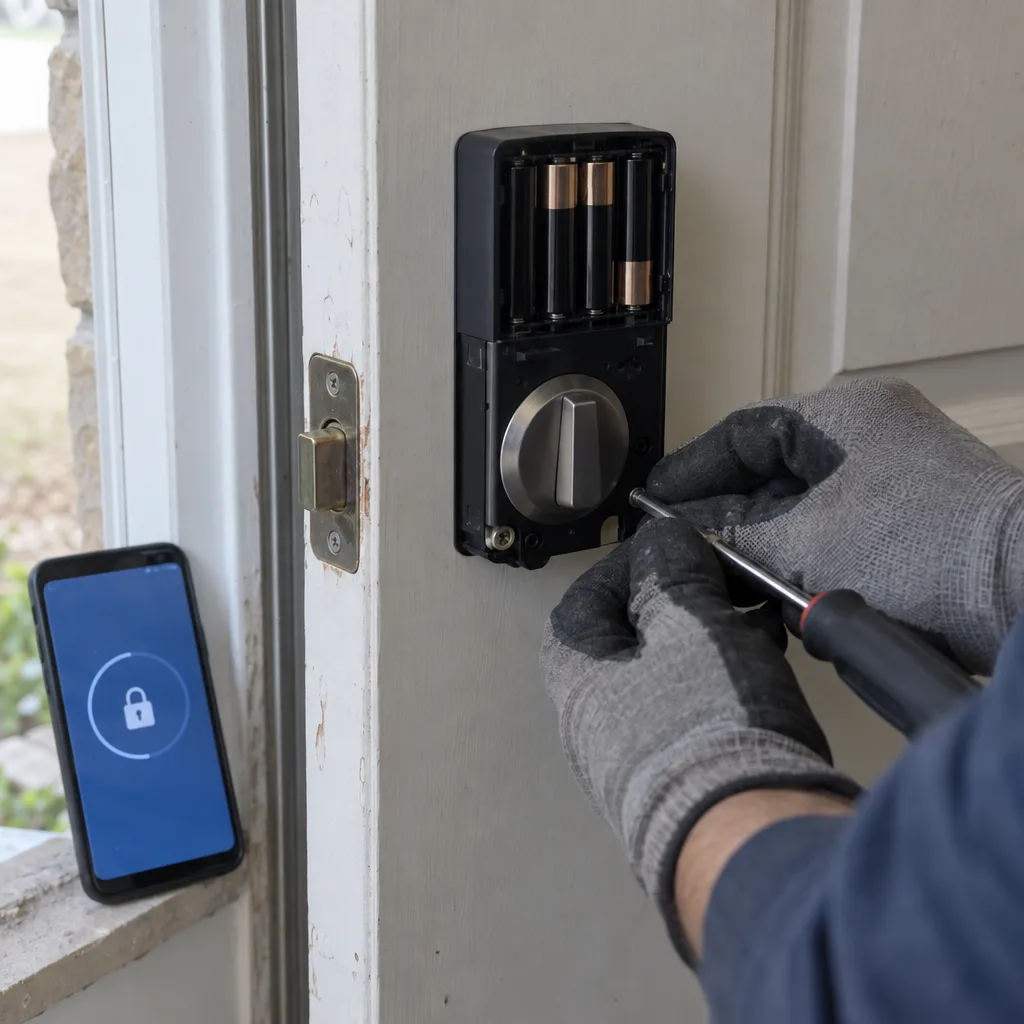
Your smart lock goes from box to working front door in one visit.
We check the compatibility first, so you're not the one returning the lock and starting over.
Door prep, hub, app, and every entry code checked and set before we leave.
- Backset and bore measured against your lock before anything goes on the door.
- Wi-Fi, Bluetooth, Z-Wave, or Zigbee protocol matched to your hub or app.
- Every household code created and tested before we pack up.
Call or text the same number.
Dispatch slip
Have these three ready
- 01Where you are
- 02Lock brand, still in the box or already mounted
- 03Any existing smart home hub you want it to join
Smart lock installation in DFW. Installed, paired, and codes set before we leave.
A smart lock is only useful once it actually works.
A smart lock is an electronically controlled lock operated by keypad, smartphone app, Bluetooth, or Wi-Fi. Fast Local Locksmith handles smart lock installation across the Dallas-Fort Worth area for homeowners who want keyless entry done right the first time.
That means confirming your door prep fits the lock, getting the app connected, and programming every entry code before we pack up. You don't need to touch a screwdriver or read a troubleshooting guide. We show up, assess, install, pair, and walk you through it. One visit.
Call 469-300-5525DFW's new construction boom creates its own smart lock problems.
Dallas-Fort Worth is one of the fastest growing home markets in the country, and that growth comes with specific installation complexity.
Door prep
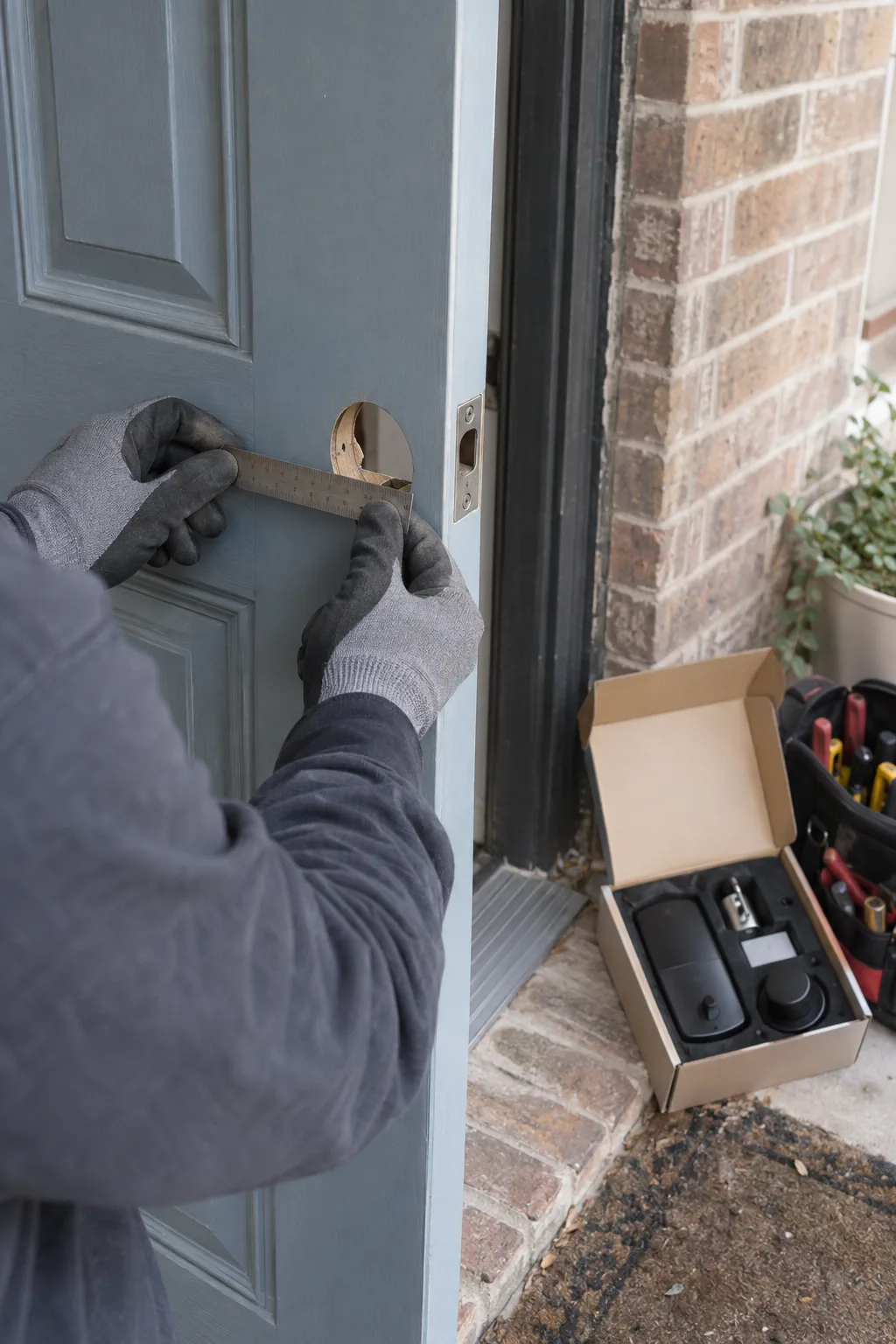
Frisco, McKinney, Prosper, and Celina are adding neighborhoods faster than most cities add streets. Many of those homes come pre-wired for smart devices, but pre-wired doesn't mean pre-compatible. A builder-grade door prep in a newer subdivision might have a 2 3/8 inch backset when the lock you bought requires 2 3/4 inches.
Hub and protocol
A hub running Zigbee, a wireless communication standard used by certain smart locks and hubs like Amazon Echo, needs a different setup than a lock built for Z-Wave, a competing wireless standard that requires its own hub entirely. The lock itself is usually the easy part, it's the compatibility matrix of door, hub, app, and protocol where things get complicated.
Local pattern recognition
We work across the US-75 corridor from Dallas through Richardson, Allen, and McKinney every week, so we know what builders are putting in these homes and which smart lock brands actually work well together in real installs.
Common mismatch
2 3/8 inch builder backset versus the 2 3/4 inch many smart locks require.
What happened on a recent install in Allen tells you everything.
The lock was the right brand. The door was the problem.
A customer in Allen had already purchased a well-known Wi-Fi smart lock. He'd watched the installation video twice, downloaded the app, mounted the lock, and turned the thumbturn. It wouldn't reach.
The door
The deadbolt hole had been bored at a non-standard center to center distance from the knob bore. It's a builder quirk that shows up in certain Allen and McKinney tract homes built between 2018 and 2022. The issue was confirmed inside of five minutes. The lock wasn't defective, the door prep just needed a crossbore adjustment.
The network
We corrected the bore, remounted the lock, and got to pairing. That's where the second issue came up: his home Wi-Fi router was broadcasting only on 5GHz, and this lock, like most smart locks, requires a 2.4GHz network. His phone had auto-selected 5GHz during setup, so the lock kept failing to connect. Switched the pairing device to 2.4GHz. Done.
The pattern
From arrival to a working lock with all four household codes programmed: under 90 minutes. The point isn't that these are obscure problems, it's that they're predictable once you've done enough installs. The same bore issue appears in three different Collin County subdivisions. Certain router brands consistently cause the 5GHz pairing failure. That pattern recognition is the difference between a smooth install and a two hour troubleshooting spiral.
Fast Local Locksmith technician, DFW field team.
Call 469-300-5525Will this lock work with my Alexa or Google Home?
It depends on which wireless protocol your lock uses, and we confirm that before installation begins.
Bluetooth
Pairs directly with your phone over short range. Won't connect to Alexa or Google Home without a separate Wi-Fi bridge.
Z-Wave
Needs a Z-Wave compatible hub, such as SmartThings, to reach a voice assistant.
Zigbee
Can work with the built-in hub in newer Echo devices, if the feature is enabled and the network is set up correctly.
If your lock and your hub don't speak the same language, we tell you immediately and help you choose the right path forward.
Our standards for smart lock installation.
Fast Local Locksmith LLC469-300-5525
Checklist
Compatibility first, clean install second, full setup before we leave.
- Door assessed firstBackset, bore diameter, and deadbolt alignment confirmed before any hardware goes on.
- Network checked2.4GHz versus 5GHz confirmed for Wi-Fi locks, the single most common pairing failure point.
- Clean mountingStrike plate alignment and screw torque set correctly. Overtightened screws misalign the bolt throw.
- Codes tested on siteEvery household code created, labeled, and tested, with the deletion process shown to you.
How a smart lock installation actually runs.
From the moment we arrive to the moment we leave, here's exactly what happens.
Dispatch slip
Filled in
Allen, front door, Wi-Fi lock in hand
TakenDeadbolt mounted, won't pair, non-standard bore
RoutedWi-Fi smart lock, 2.4GHz network confirmed
Open- Step 1
Door and hardware diagnostics
We start at the door, not the box. Backset depth is measured, bore diameter is checked, and the existing deadbolt or knob hardware is assessed to confirm the new lock will seat flush without binding. If the door has a non-standard prep, common in some DFW tract-home builds, we address it before installation begins, not after. We also check door alignment, since a door that sticks in August heat and gaps in January cold can torque a smart lock's bolt throw out of alignment over time.
- Step 2
Installation and protocol pairing
The lock goes on correctly the first time. Strike plate positioning is verified with a full bolt throw test, then we move to pairing. For Bluetooth smart locks, we pair to your smartphone directly, no hub needed, but we confirm remote access range. For Wi-Fi locks, we confirm your network band and connect. For Z-Wave or Zigbee locks, we verify your hub is compatible, add the device to the hub's network, and test the connection from the app. If the lock supports geofencing, a feature that automatically unlocks when your phone enters a set radius, we walk through the location permissions setup with you.
- Step 3
Code setup and homeowner walkthrough
Access code management, creating, assigning, and deleting individual entry codes for different users, is completed before we close out the job. Every household member gets their own code, and you get a clear demonstration of how to add or delete codes yourself. The auto-lock timer is set to your preference. We test the lock five times, keypad, app, and manual, before we consider the job finished.
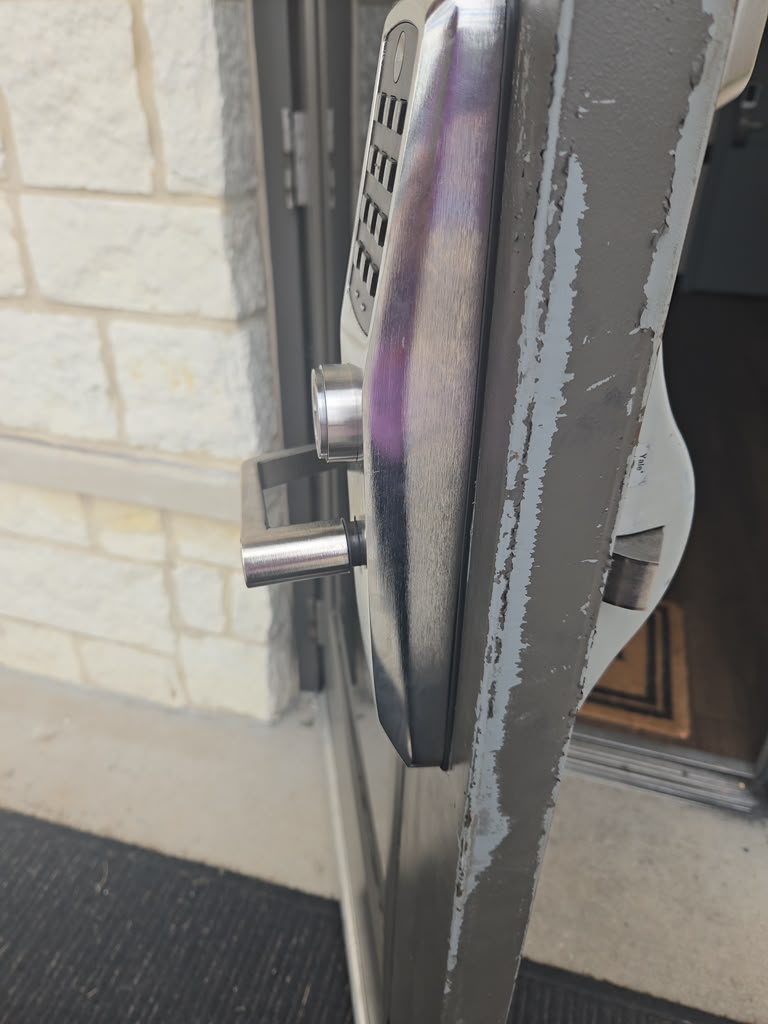
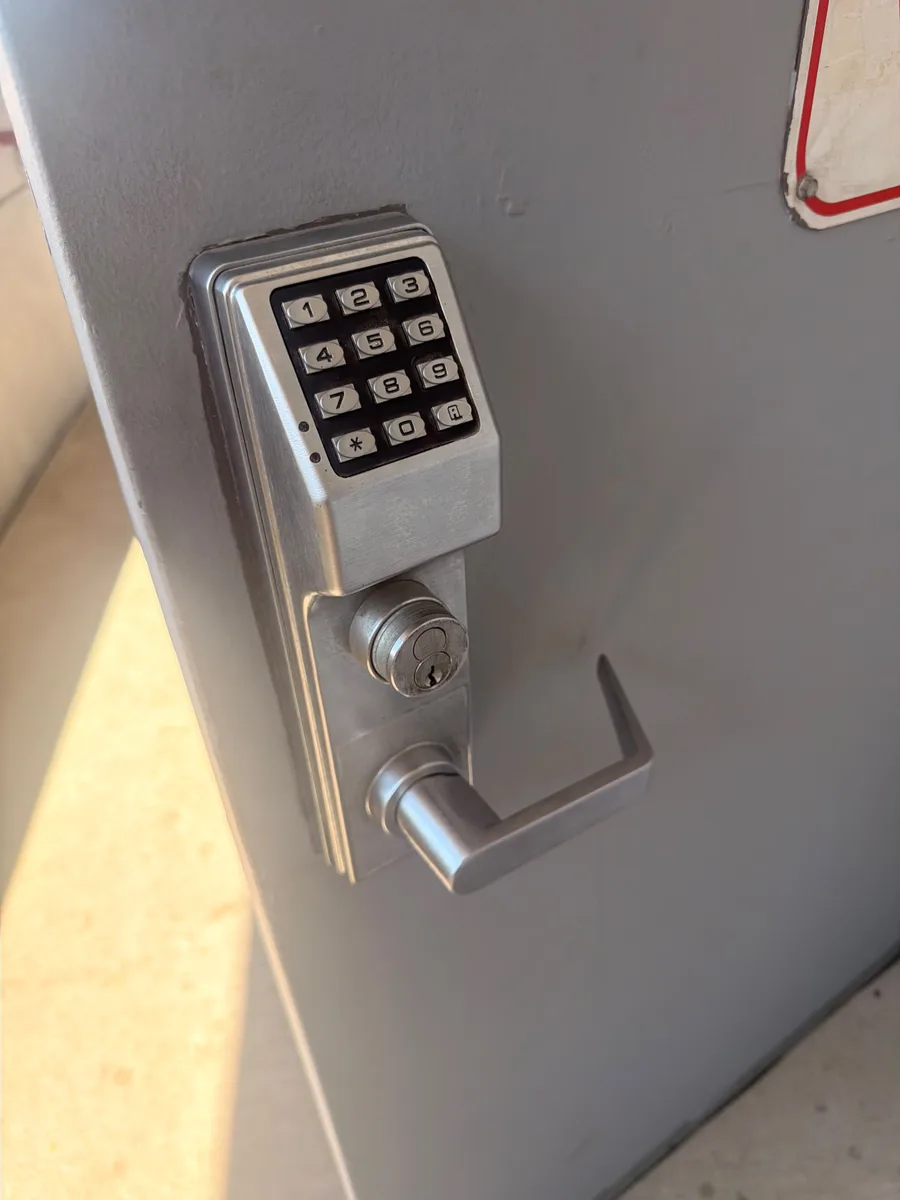
Smart locks for rental properties and Airbnb hosts.
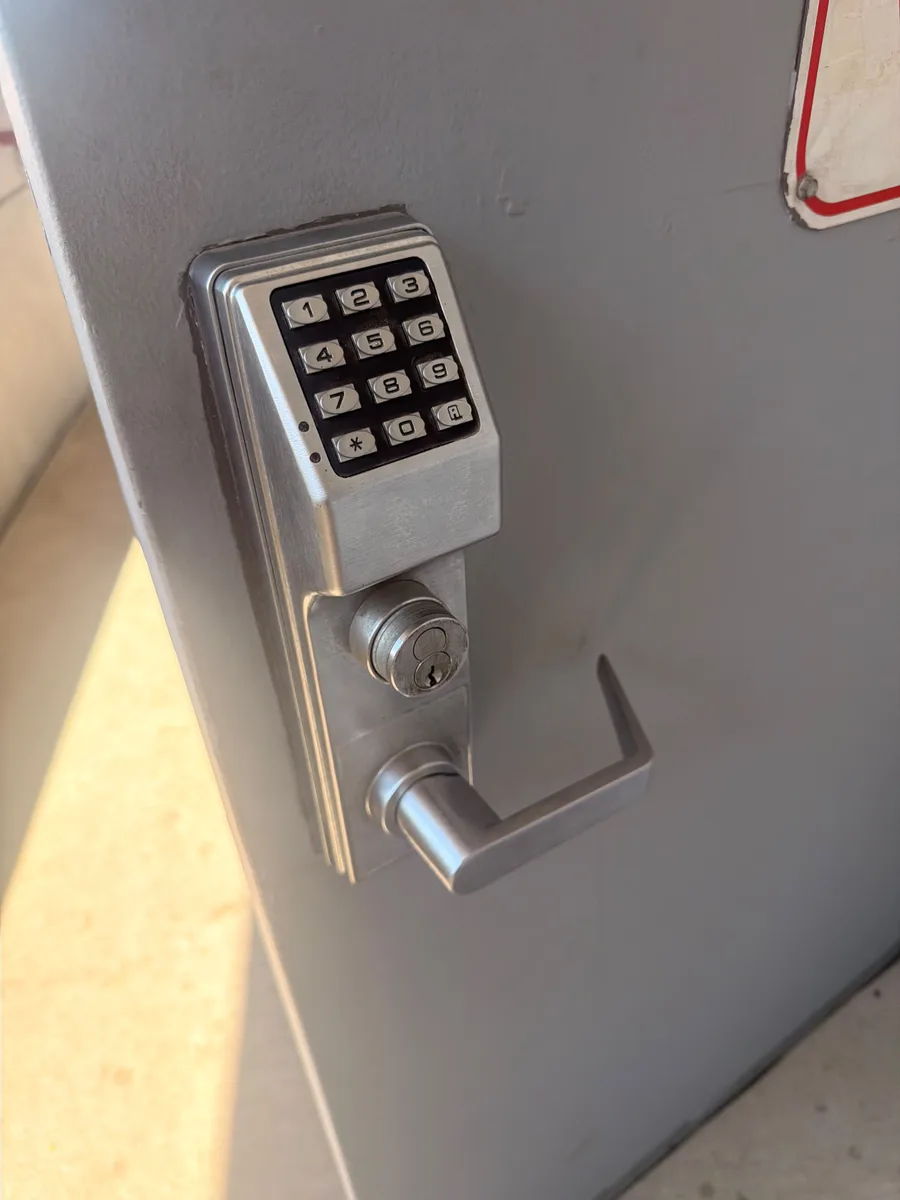
Access code management is where smart locks earn their value for rental property owners.
Short-term rental hosts across Dallas-Fort Worth, on Airbnb, VRBO, and direct-booking properties, use smart locks to eliminate the physical key handoff entirely. Each guest gets a unique access code that can be set to expire at checkout. Cleaning crews get a separate code on a different schedule. The property owner never needs to be on site for a turnover.
We set up that full code structure during installation. Guest codes, cleaner codes, and owner codes are each created, labeled, and tested before we leave. The auto-lock feature is configured so the door re-locks after entry, so no guest forgets to lock up. If the lock supports geofencing, we walk through that setup as well.
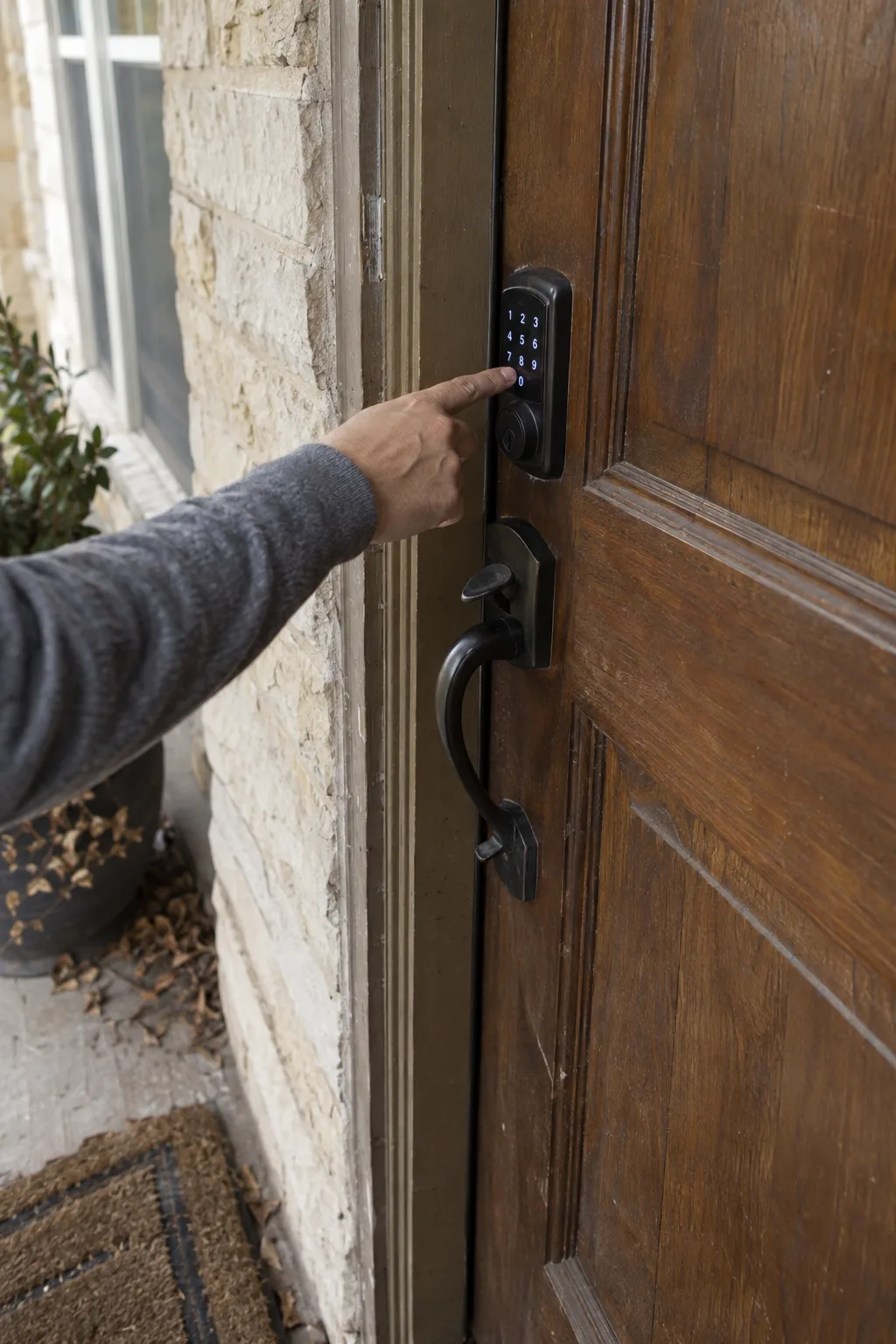
Areas we serve for smart lock installation.
Across the full Dallas-Fort Worth metro.
We serve Dallas, Plano, Frisco, McKinney, Allen, Richardson, Garland, Carrollton, Irving, Arlington, Fort Worth, Denton, Lewisville, Flower Mound, Southlake, Grapevine, Colleyville, Rockwall, Rowlett, Wylie, Sachse, Prosper, Celina, Mansfield, and surrounding communities throughout the DFW metroplex.
Not on the list? Call and we will tell you straight away.
Call 469-300-5525Related residential services.
If a smart lock isn't the right fit, or you're locked out while deciding, these cover the rest.
- Home lockoutWhen you are stuck outside your own front door.See service
- Lock rekeyNew pins in your existing locks, done on site.See service
- Lock replacementUpgrading builder grade hardware to something worth having.See service
- Rekey after movingFirst week in a new DFW home, builder's key retired.See service
Smart lock questions we hear most.
Do I need to buy the smart lock before calling, or can you supply one?
Purchase your lock before calling. We install customer-supplied hardware. This lets you choose the brand, style, and protocol that fits your budget. Our technician confirms compatibility with your door and hub during the visit. Bring the box, we handle everything else.
How much does professional smart lock installation cost in Dallas-Fort Worth?
Cost depends on your lock brand, your door prep, and whether a hub is involved. Call 469-300-5525 and tell us the lock and your situation, and we give you a straight quote before anyone heads out.
How long does a smart lock installation take from arrival to finished?
Most installations finish in 60 to 90 minutes. That window includes the door assessment, hardware mounting, app pairing, and code setup. Complex situations, non-standard bore sizes or Z-Wave hub configuration, can add 20 to 30 minutes. We don't leave until every code works and the app responds.
What if my door prep doesn't match the lock I already bought?
Non-standard backsets and bore diameters are correctable on site. Certain DFW tract-home builds from 2018 to 2022 have non-standard door prep measurements. We carry tools to adjust the crossbore before mounting. You won't need a second trip or a different lock in most cases.
Why hire a locksmith for smart lock setup instead of doing it myself?
Compatibility failures, wrong network band, mismatched protocol, or off-spec door prep, cause most DIY smart lock failures. These issues aren't obvious until the install breaks down mid process. A technician catches them before the lock goes on. One professional visit costs less than returning the lock and starting over.
Can you set up separate codes for guests, cleaners, and family members?
Yes, access code management for multiple user types is included in every installation. Each code is created, labeled, and tested before we leave. You'll also see a live demonstration of how to add or delete codes yourself after we're gone.
Ready to get your smart lock working?
Call 469-300-5525 and tell us the lock brand, your city, and whether you have an existing hub.
We'll confirm availability and give you a clear timeframe. No box-sitting required.
469-300-5525You can also reach us by email or through the contact form on this site.
info@fastlocallocksmith.netRequest a callback
Tell us the lock and your door situation. We'll confirm availability before anyone heads out.
Contact us